
Two channels, one studio
Switch between email and SMS without managing separate campaign workspaces.
Nova Flare · Email & SMS Studio
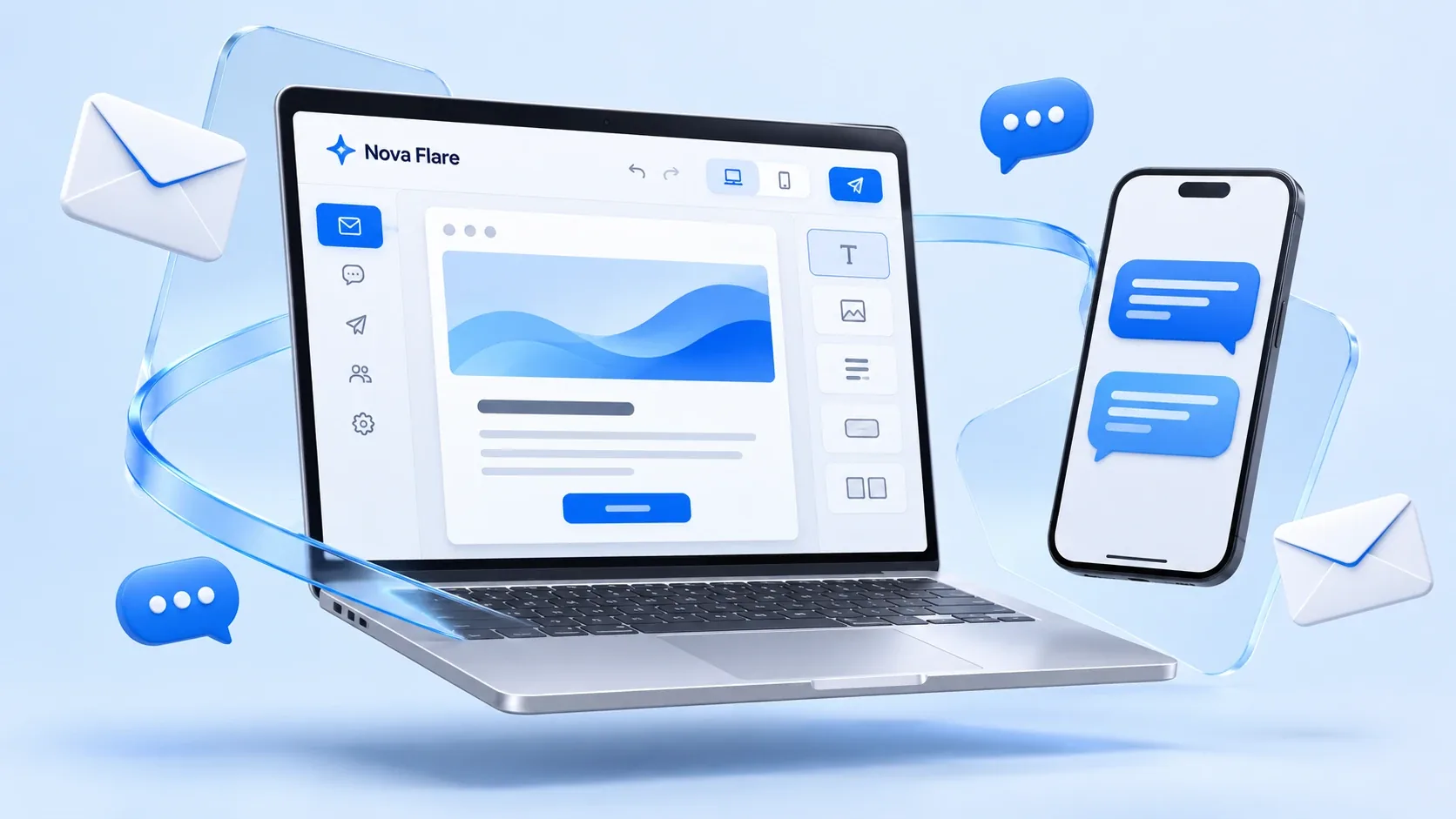
Turn your next offer, announcement, or thank-you into a reason to visit again. Create email and SMS campaigns in one simple workspace.
Designed for restaurants, cafés, retail, and local businesses.
Your brand. Your message.Email campaigns
A reason to return.SMS campaigns
Key highlights
From the first idea to the final review, keep your message, audience, and campaign records together.
Switch between email and SMS without managing separate campaign workspaces.
Build on welcome messages, offers, birthdays, rewards, and announcements.
Insert a first-name placeholder and preview how your message reads for a customer.
Explore sample groups for new subscribers, loyal customers, and VIPs.
Check your email subject, message, and button, or estimate SMS message segments.
Save ideas for later and record a demo delivery date for upcoming campaigns.
Find previous campaigns, filter by channel or status, and duplicate successful ideas.
Download campaign details as CSV for your own review and record keeping.
Made for the people behind local business
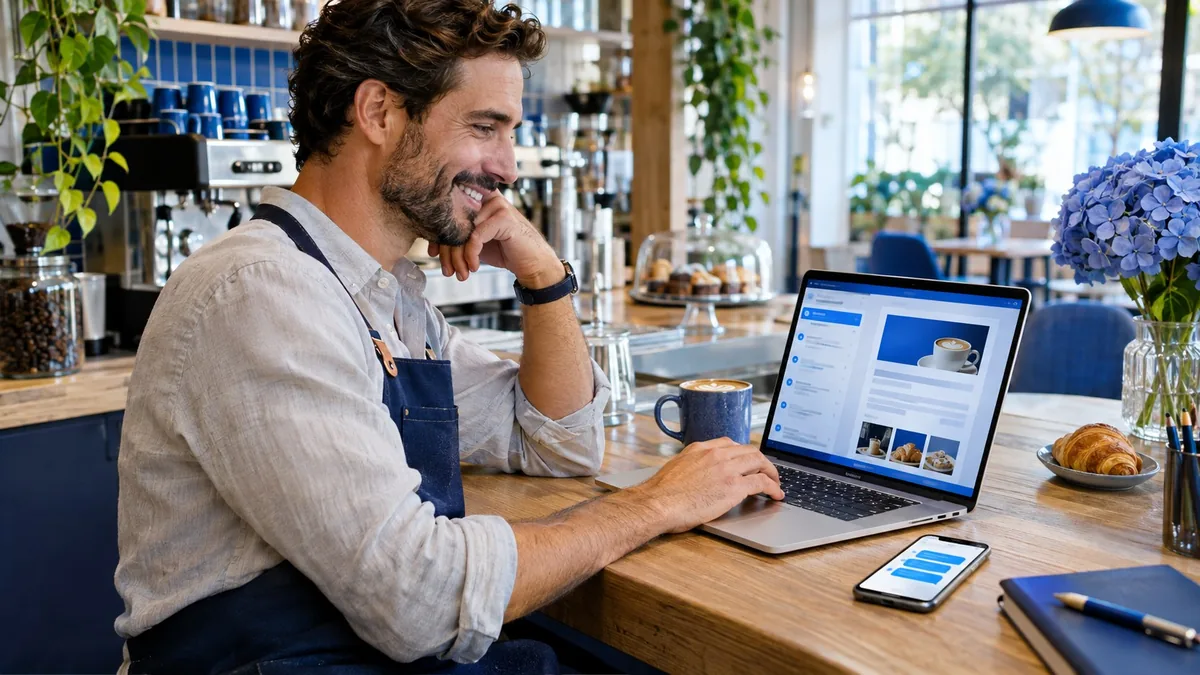
A new menu. A seasonal collection. A thank-you for your regulars. Give your customers a clear invitation to come back, wherever they are.
The right message. The right moment.
A quick text for a timely offer. A thoughtful email for a bigger story. Choose the channel that fits your message.
Create a branded message with a subject line, preview text, personalized greeting, and a clear button that leads customers to your next offer.
Keep time-sensitive announcements short and direct. Preview your text and check its estimated SMS segment count as you write.
Plan different messages for new subscribers, loyal regulars, and VIPs. Explore sample audience segments in the studio demo.
From idea to invitation
Spend less time staring at a blank page. Use templates for welcomes, promotions, birthdays, and rewards, then tailor the details to your business.
Email · Welcome campaign · Example
Thanks for joining our community. Here’s a little something for your first visit: 10% off with WELCOME10.
Find your favorites →Your business · Unsubscribe
SMS · Weekend offer · Example
Hi Alex! Make your weekend a little sweeter. Enjoy 20% off your next order with WEEKEND20.
Reply STOP to opt out.
Illustrative text message
Campaign performance · Illustrative data
Demo SMS figures only. Live reporting requires delivery provider integration.
More clarity. Better next steps.
Review campaign history, delivery activity, and clicks in the demo. Filter by channel to keep email and SMS campaigns organized, then export campaign records for a closer look.
Explore the dashboard →A closer look at how it works
A practical walkthrough of the choices you make inside the studio.
Promote a seasonal menu, announce a new product, thank regulars, or invite subscribers back. One clear goal makes your message easier to act on.
Example: invite café subscribers to try the new weekend breakfast menu.
Use email when you want room for your story and a clear call to action. Use SMS when a short, timely message is enough. Each campaign uses its own selected channel.
Example: explain a new menu by email, then create a separate short SMS reminder.
Select an audience segment in the builder. The demo uses sample recipient counts; a live setup needs your contact database with channel-specific consent and suppression records.
Example: send a welcome offer to new subscribers instead of repeating it to regulars.
Start from a template, add your message, and insert a first-name placeholder. For email, set the sender name, reply-to address, subject, preview text, and optional button URL.
Example: “Hi Alex, your next favorite is here.” Link the email button to your ordering page.
Confirm your content, sample recipients, and delivery choice. Save a draft, simulate sending, or record a demo schedule. Real sending and automatic execution need a backend and provider integration.
Example: prepare Friday’s promotion earlier in the week and save it for final review.
Search history, inspect campaign details, duplicate a previous message, and export CSV records. Live delivery, email opens, and click reporting depend on connected provider events.
Example: compare campaign responses after integration, then refine your next subject line or offer.
Simple from the start
Choose email or SMS, name your campaign, and select the group you want to reach.
Start from a template or write your own message. Preview it with personalized content before reviewing.
Save a draft, explore a simulated send, or save a demo schedule. Connect delivery services before launching real campaigns.
Built around real business moments
Share new dishes by email, introduce a lunch offer by SMS, or thank regulars with a loyalty message. Link customers to your own ordering page.
Introduce a collection in an email, announce a short promotion by text, and invite subscribed customers back for a seasonal event.
Share service updates, explain a new offering, and create return-visit invitations for subscribers. Appointment-system automation requires an additional integration.
Choose your channel
| Campaign choice | SMS | |
|---|---|---|
| Best suited to | Announcements, richer explanations, and branded offers | Brief offers, timely updates, and quick invitations |
| What you create | Subject, preview text, body, and optional button | A concise text message with an opt-out instruction |
| Preview tools | Personalized email layout and button destination | Message bubble and estimated SMS segment count |
| Before live sending | Email provider, sender setup, contact consent, and unsubscribe handling | SMS provider, sender setup, SMS consent, and opt-out handling |
Understand the numbers
Campaign records help you stay organized. Connected delivery data helps you understand what happened after sending.
The website shows illustrative figures. These are examples, not actual Nova Flare customer results or promised outcomes.
Try today. Connect for launch.
Email and SMS builders, templates, live previews, drafts, history, channel filters, duplication, and CSV exports. Data stays in your current browser.
Review a campaign and simulate a send or save a scheduled date. No message is delivered and demo schedules do not execute automatically.
A secure backend, delivery providers, real contact records, unsubscribe handling, scheduling workers, and provider reporting events enable production use.
Good to know
Yes. The studio includes both builders, templates, personalized previews, campaign history, and CSV exports. The demo saves your campaigns in your browser on your current device.
No. Sending and schedules are simulated. Live delivery needs a secure backend and an email or SMS delivery provider. Saved demo schedules do not run automatically.
Prepare your sender details, permission-based contact lists, unsubscribe handling, and delivery provider connections. Email campaigns also need a sender mailing address. Provider setup and costs depend on the final integration.
No. The campaign workflow can also support cafés, retail stores, and other local businesses that want to stay in touch with subscribed customers. See also social media marketing.
Every connection has potential
Explore Nova Flare Email & SMS Studio and see how your business can create a more connected customer experience.
Interactive demo · No real messages are sent