
A direct route to dinner.
Let customers explore your menu and customize their order through your own ordering experience. Discuss pickup, delivery, scheduling, and POS routing as part of your setup.
Built for pizzerias
From a quick slice to a family pizza night. Bring sizes, crusts, toppings, takeout, and dine-in orders into one clear workflow.
Pizza ordersTable selectionCheckout
3D preview · Move your cursor to explore
Touch it. Try it. Get a feel for it.
Enter demo staff ID 7 to start. Build a sample pizza and follow it through checkout.
Prefer a full screen? Open the demo on its own page.
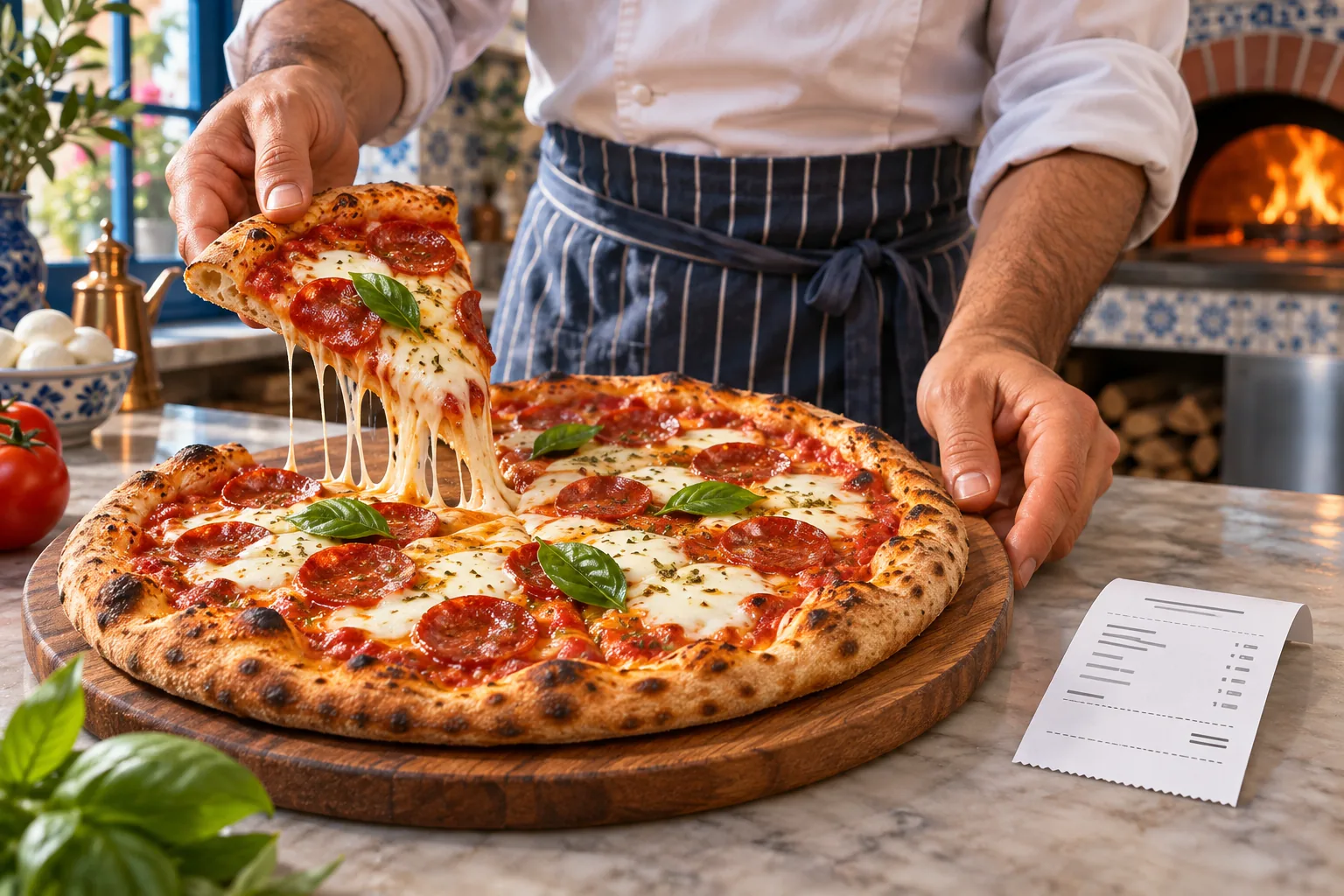
From welcome to thank you
A familiar layout keeps your menu, current check, and next step easy to find.
Choose a classic pizza or build your own. Select the size and crust, then add toppings, cheese, and dips.
Review the cart and choose the service type. For dine-in orders, select a table from the dedicated floor view.
Explore the tip selection, payment confirmation, and receipt flow before starting the next order.
Less switching between tasks.More time for your customers.See it in action ↗
Pizza night, organized.By the sliceBuild your ownFamily ordersTakeout & delivery
Details that make a difference
Give your team a consistent way to enter a pizza order. Pick a size and crust, choose toppings, and review the customized pizza in the cart.
Build your pizza
Make it your own.
01 · Size
02 · Crust
03 · Toppings
Illustrative options · Try them in the live demo
See how the open-check overview brings customer, check, server, and total information into one readable view.
The demo’s Open checks and Transactions pages are view-only previews.
Explore the interface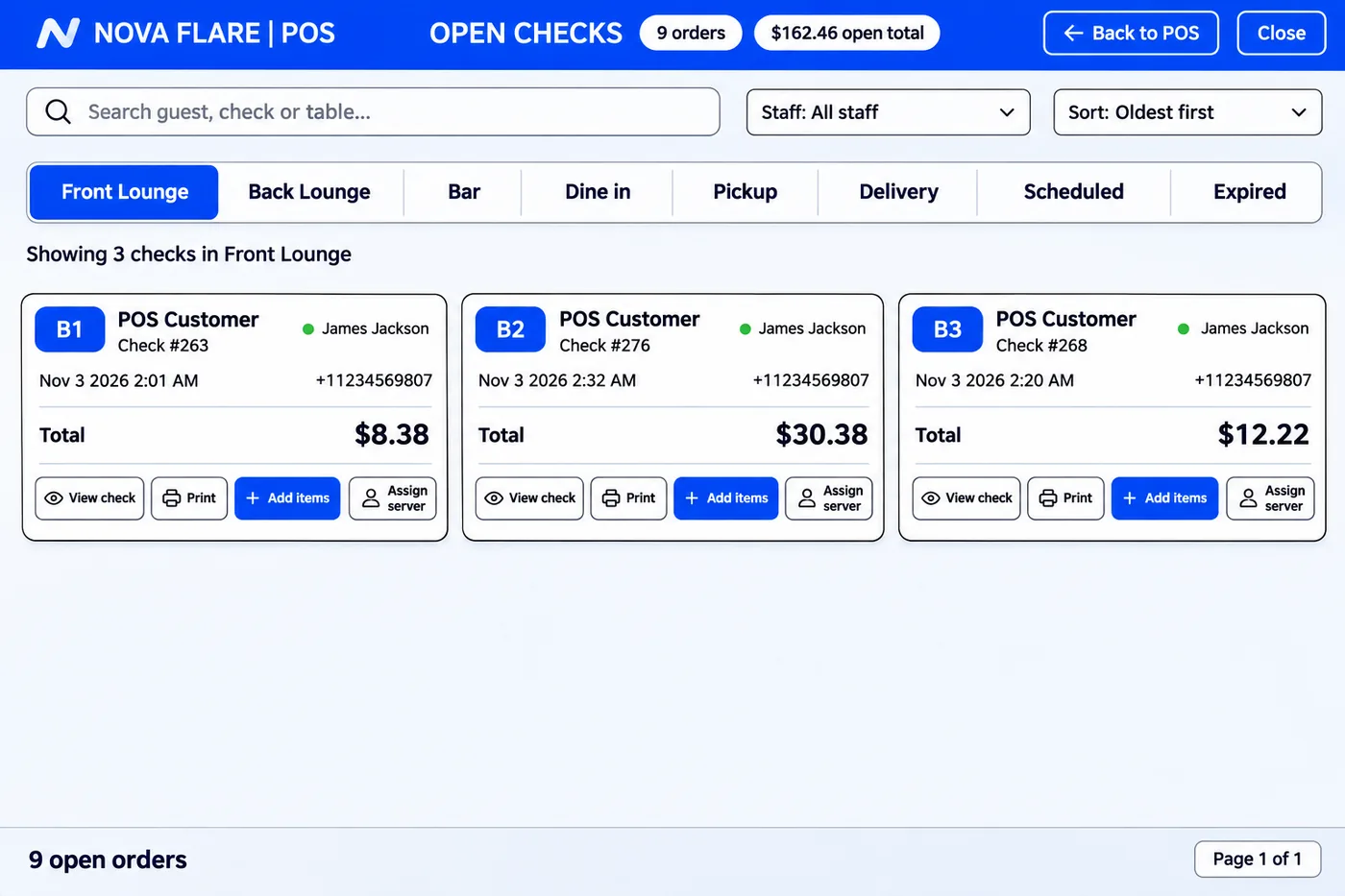
Your pizzeria. Everywhere they order.
Bring your menu to a branded website and mobile app, with a direct ordering experience that keeps your pizzeria front and center.
Bella Cucina
Your favorite slice.
One order away.
 Explore the menu →
Bella Cucina
Pizza night,
in your pocket.
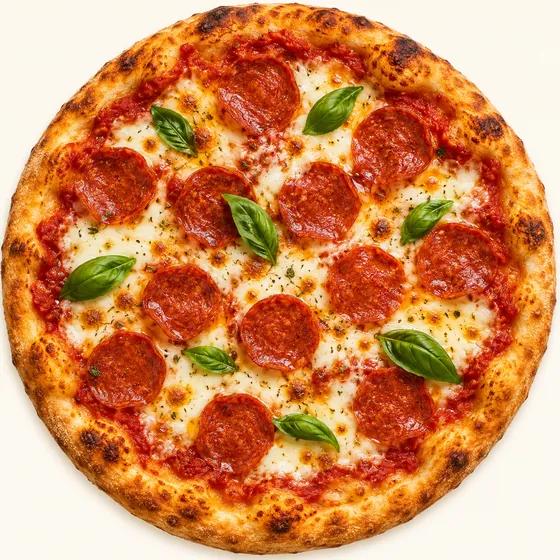
Margherita pizza
Order again →Let customers explore your menu and customize their order through your own ordering experience. Discuss pickup, delivery, scheduling, and POS routing as part of your setup.
Give regulars a familiar destination for pizza night with a branded app carrying your name, menu, and visual identity.
Showcase your pizza, share your story, and make your location, hours, menu, and ordering link easy to find on desktop or mobile.
Give them a reason to come back
Build a rewards and loyalty program around your pizzeria. Give customers a clear way to see their progress and something worthwhile to return for.
Bella Cucina Rewards
A little closer to your next favorite.
240 points
Your next treatGarlic bread, on us.Illustrative reward · Example rules only
Stay in the conversation
Use SMS and email to reach customers who have opted in, with messages that feel like your pizzeria.
Share a pizza-night offer, a new menu addition, or a reminder to return. Plan your audience, timing, and offer, then review campaign performance.
Put your newest pizza, seasonal specials, and loyalty news into a branded email. Give customers a clear reason and a simple next step to visit again.
Learn more about social media marketing and SMS & email marketing.
Bring your order channels together
Plan third-party ordering connections alongside your direct channels. Confirm provider availability, account requirements, routing, and any connector fees for your location.
Discuss connecting your DoorDash ordering workflow with your POS setup.
Review Uber Eats order routing and the integration options available to your business.
Explore Grubhub connectivity and how incoming orders can fit your operating flow.
Conceptual integration flow. Connections require supported services and configuration; this website demo does not connect to delivery accounts or send live kitchen orders. Brand names identify their respective services and do not imply endorsement.
Discuss your integrationsMake every shift count
Fewer repeated steps can give staff more time for service, preparation, and customers. Estimate the value of time saved using your own assumptions.
Illustrative estimate, not a promise of savings. Actual results depend on staffing, workflow, and use. Time saved does not automatically reduce payroll costs.
Good questions
This is a practice environment. Sample orders and payments stay in the demo and are not sent to a restaurant, kitchen, or payment terminal.
Browse pizza categories, customize sizes, crusts, and toppings, add a pizza to the cart, choose a dine-in table, and explore tips, approval, and receipt selection. Open checks and Transactions are view-only previews.
The demo adapts to your screen. Use Expand demo for more room; a tablet in landscape orientation gives the clearest view of the full POS layout.
Contact Nova Flare to discuss your pizza menu, modifier pricing, devices, payment configuration, and operating needs. See hardware pricing for current equipment.
Your next chapter in service
Tell us how your pizzeria works. We’ll talk through a setup that fits.