
Free up time.
Reinvest it in service.
Shift routine order entry to self-service. Redeploy your team to the kitchen, pickup counter, or guest experience when demand is high.
Less order-taking → more time for guests
Self-service. More opportunity.
Give guests an easier way to order. Give your team more time to serve. Turn your front counter into a smarter part of your business with Nova Flare Kiosk.
Built for restaurants, cafés & quick-service businesses
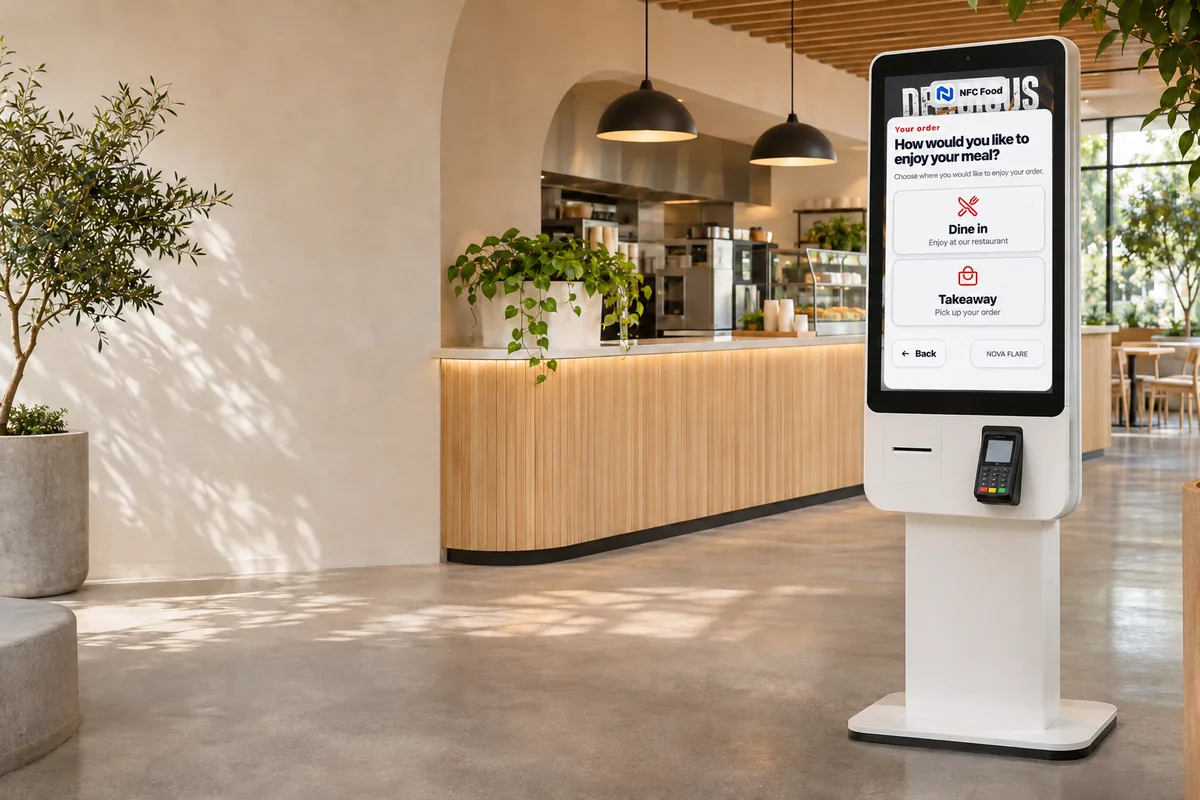
The business case
A kiosk adds another ordering point, so your staff can focus on preparing food, helping guests, and keeping service moving.
Shift routine order entry to self-service. Redeploy your team to the kitchen, pickup counter, or guest experience when demand is high.
Less order-taking → more time for guests
Present modifiers, add-ons, and meal upgrades during ordering. Give every guest a clear opportunity to find something extra they want.
Relevant suggestions, consistently presented
Guests select their own options and confirm their cart. Clear item details can help reduce misunderstandings and costly remakes.
Customer selection → clearer kitchen tickets
From first tap to printed receipt
One smooth journey through your menu, customization, checkout, and order handoff.
Show product images, modifiers, and recommended extras. Let guests review their choices at their own pace.
Show the checkout amount on the payment terminal, then print an itemized receipt so guests know what to collect.
Nova Flare kiosk Product demo
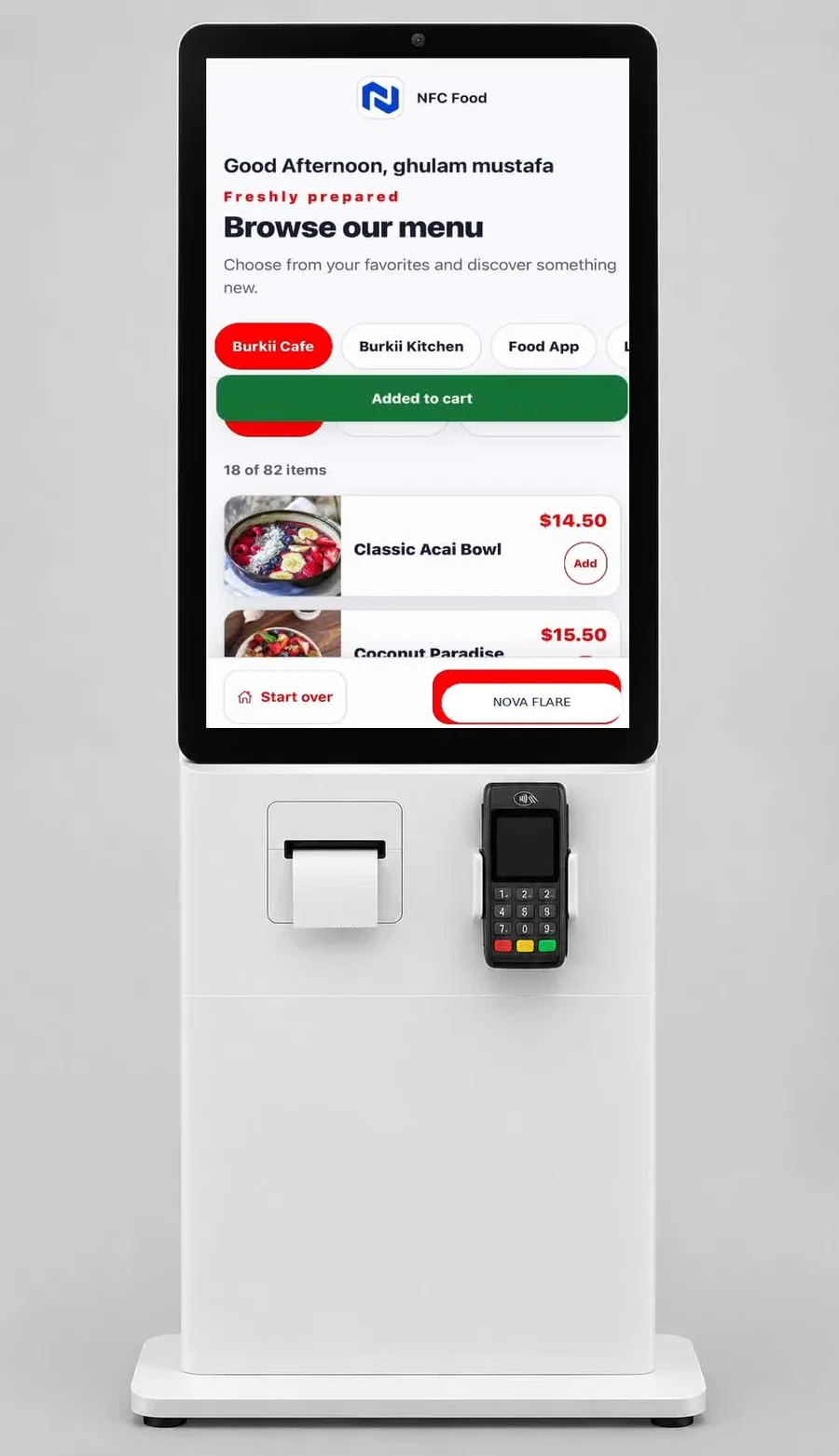
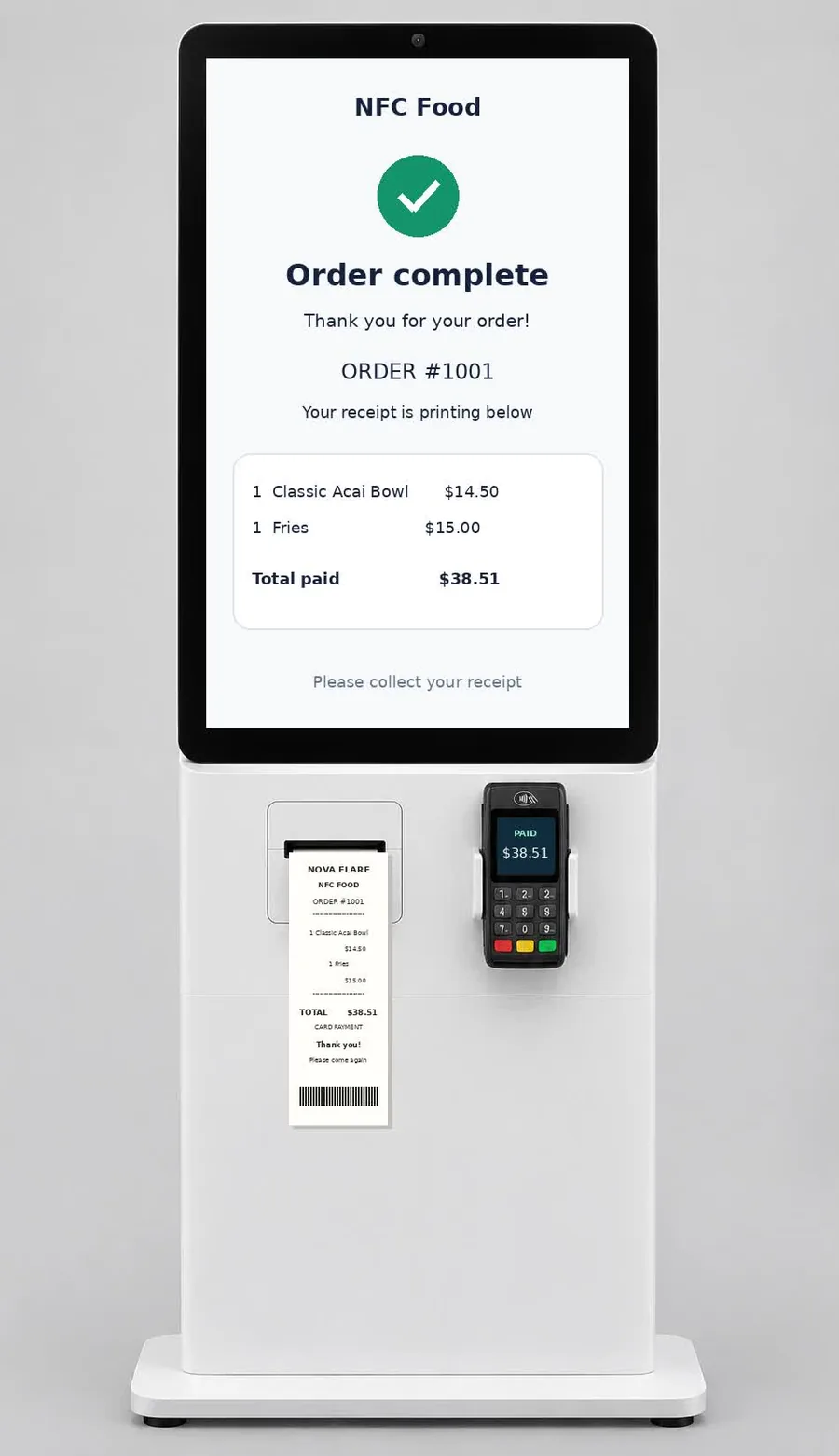
See the whole operation
Your guest places the order. The kitchen receives the details. Your team prepares it and hands it over. Nova Flare connects the steps that keep service moving.
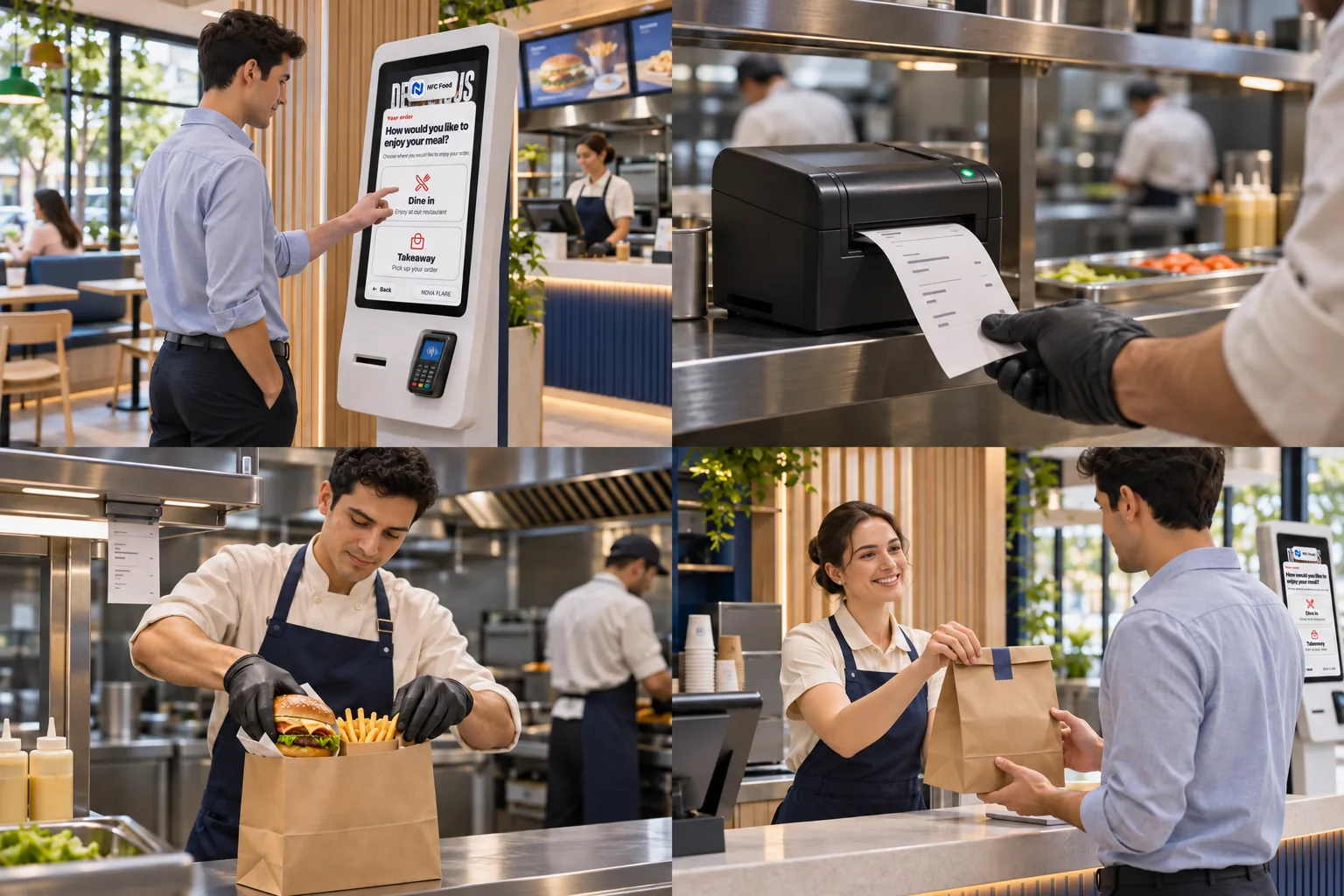
Customers choose dine-in or takeaway, select items and modifiers, and review their cart before checkout.
Send the order from your configured Nova Flare POS workflow to a kitchen printer or kitchen display, with items and preparation instructions.
Staff work from the order ticket, prepare the food, and check the packed items before pickup.
Use the order number to match the finished meal to the guest at the pickup counter.
Watch the journey
See how kiosk ordering, kitchen printing, food preparation, and customer handoff fit together.
27-second animated illustration of the workflow.
Why this works better
The value comes from keeping the order connected, so people spend less time passing along details and more time serving guests.
| Service task | When handled manually | With a connected kiosk workflow |
|---|---|---|
| Taking the order | A staff member spends time entering each guest’s choices. | Guests enter their choices, freeing staff for preparation and support. |
| Passing details to the kitchen | Verbal handoffs or re-entering orders can introduce mistakes. | The configured workflow sends item details to the kitchen ticket. |
| Offering extras | Add-on suggestions may depend on how busy the counter is. | The ordering screen can present relevant extras consistently. |
| Checking order accuracy | Staff may need to clarify choices after the order is taken. | Guests review their cart, and the kitchen has the selected options. |
| Managing busy periods | A single order-taking counter can become a bottleneck. | A kiosk adds an ordering point while staff focus on fulfillment. |
| Handing over the meal | Unclear pickup identification can slow the final handoff. | Order numbers help staff match each meal to its customer. |
Redeploy staff to food preparation and guest service, or adjust paid hours where practical. Pair that with relevant add-ons and fewer order-entry misunderstandings to explore potential margin improvements.
Illustrative workflow. Kitchen routing, payment, receipt printing, and order numbering depend on enabled services, compatible hardware, and setup. A kiosk does not increase kitchen capacity by itself; monitor staffing and preparation times as order demand changes. Savings and sales improvements vary by business.
Let’s run your numbers
Start with your business today. Adjust the assumptions to explore potential monthly value.
Example costs are editable placeholders, not Nova Flare pricing. Include software, support, financing, and incremental fees as applicable. See hardware pricing for current equipment.
Illustrative monthly estimate
Potential net operating benefitEstimates are not guaranteed results. Time freed is not automatically payroll savings. Payroll savings use paid hours reduced, capped at hours freed. Contribution margin should account for food, packaging, and other variable costs. No extra-order or remake savings are assumed.
Kiosk orders = daily orders × open days × kiosk share. Hours freed = kiosk orders × minutes ÷ 60. Payroll savings = lesser of hours reduced and hours freed × hourly cost. Extra revenue = kiosk orders × average order × uplift. Net benefit = payroll savings + extra revenue × contribution margin − monthly kiosk costs. Payback = setup cost ÷ positive net benefit.
Built around your business
Whether you run a neighborhood café or multiple locations, begin with a setup that fits your menu and service model.
Plan your kiosk setupChoose your kiosk placement, dine-in or takeaway flow, menu, modifiers, and payment setup.
Configure your POS, kitchen display or printers, receipt output, and available loyalty features.
Track kiosk adoption, order value, peak-time demand, and actual staffing changes. Adjust based on your results.
Good questions
It handles part of the ordering workload. Your team still prepares food, supports guests, and manages service. Savings depend on whether you change paid staffing hours or redeploy the time.
It can consistently present relevant add-ons, modifiers, and upgrades. Actual results depend on your menu, pricing, guests, and how the ordering experience is configured.
The Nova Flare kiosk workflow supports sending orders to the POS and configured kitchen displays or printers. Confirm your hardware and integrations during setup.
The kiosk experience can include loyalty identification, rewards, coupons, and gift card options. Availability depends on the services and payment configuration enabled for your business.
Hardware, payment equipment, software, installation, and support vary by setup. The calculator uses sample costs you can replace with a tailored Nova Flare quote.
Compare kiosk adoption, average order value, actual payroll, remakes, and service times before and after launch. Account for seasonal changes and promotions when evaluating results.
Your next order can work harder.
Let’s build a kiosk experience around your menu, your guests, and your goals.
+1 866-511-9930