
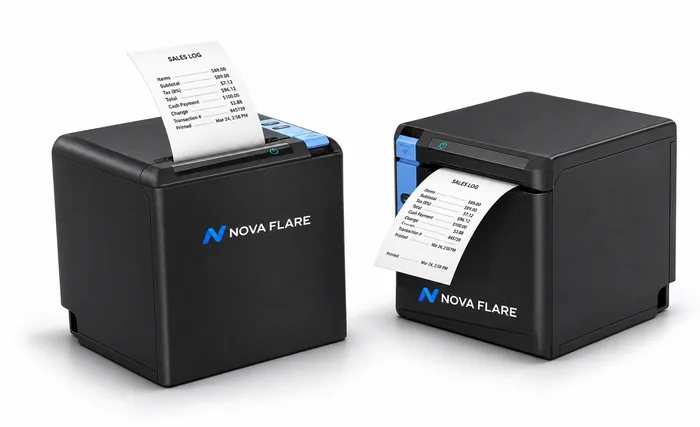
01 / Receipt printing
Nova Flare printer
Keep receipts flowing with flexible connections for your counter or network.
Ask about printersThe connected restaurant
From the first order to the final handoff, bring your counter, kitchen, and tables together with Nova Flare.
Connected orderingCounter to kitchenFlexible hardwareOne Nova Flare experience
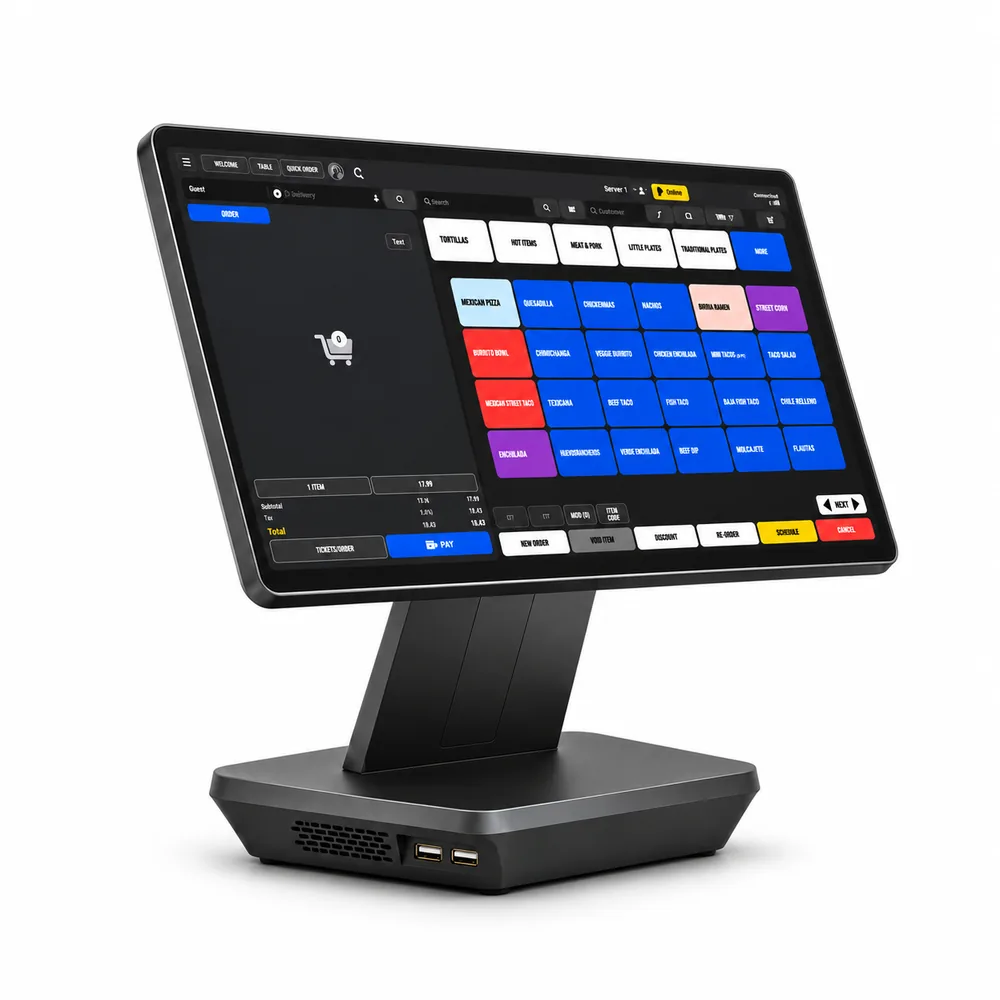
The heart of your operation
Give your team a central place to take orders, manage payments, and keep service moving. Connect your in-store workflow with the tools your business uses every day.
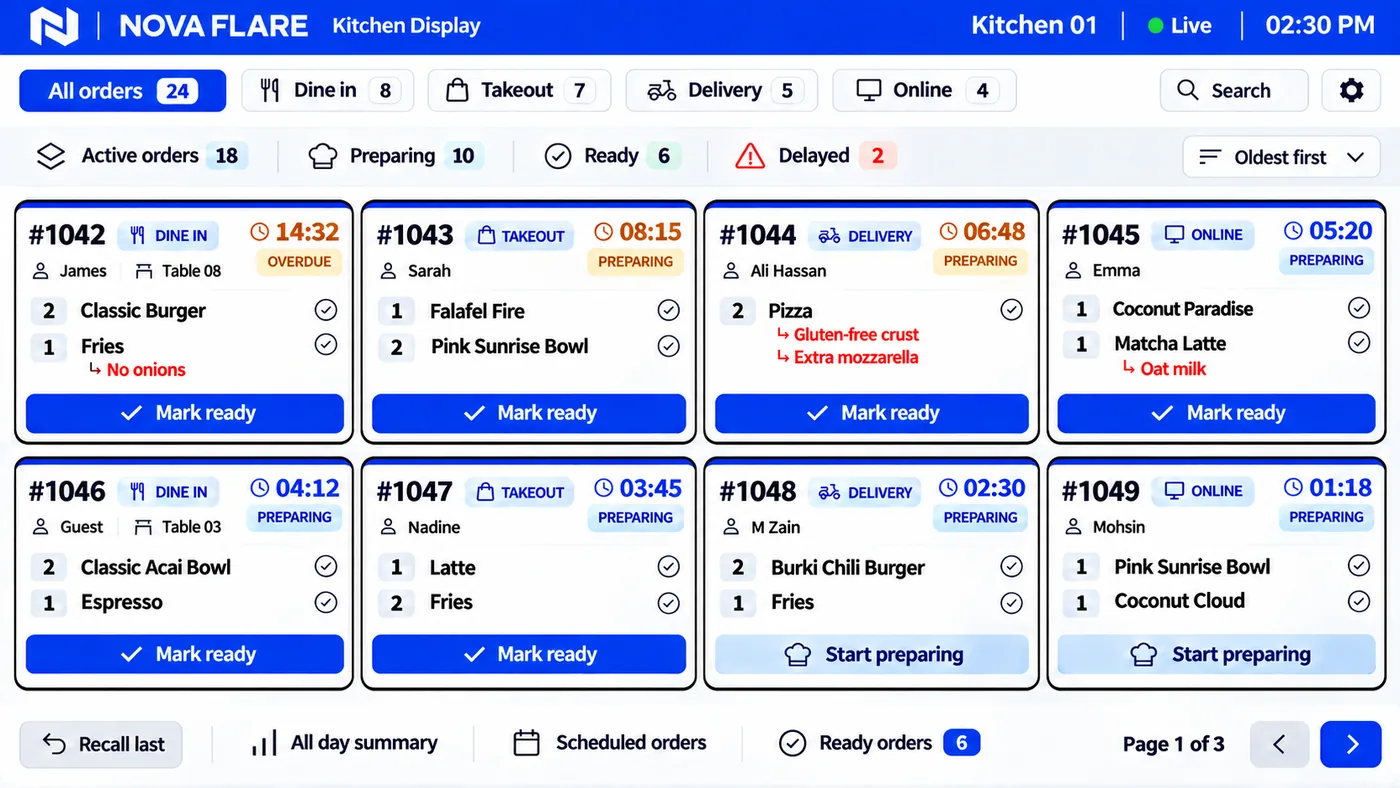
Clarity for your kitchen
Give your kitchen a clear view of what’s next. Nova Flare KDS brings dine-in, takeout, delivery, and online orders into an easy-to-follow kitchen display.
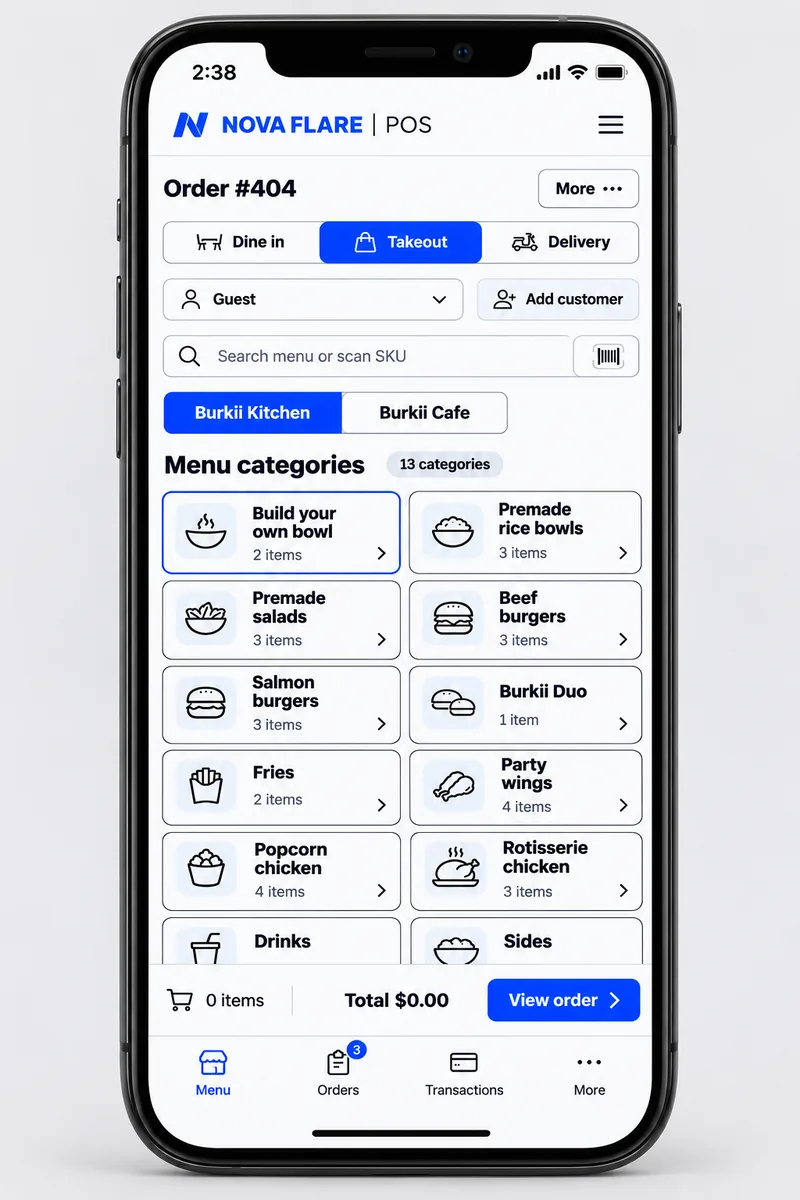
Great service goes with you
Bring your POS to the guest. Browse menu categories, choose items, and build the order directly on a handheld screen, without walking back to the counter.
A new way to order
Give customers their own space to explore the menu and place an order. See the Nova Flare kiosk experience in action.
Explore self-serviceComplete your setup
Printing, cash handling, and card payments. Choose the essentials that work for your business.
Keep receipts flowing with flexible connections for your counter or network.
Ask about printers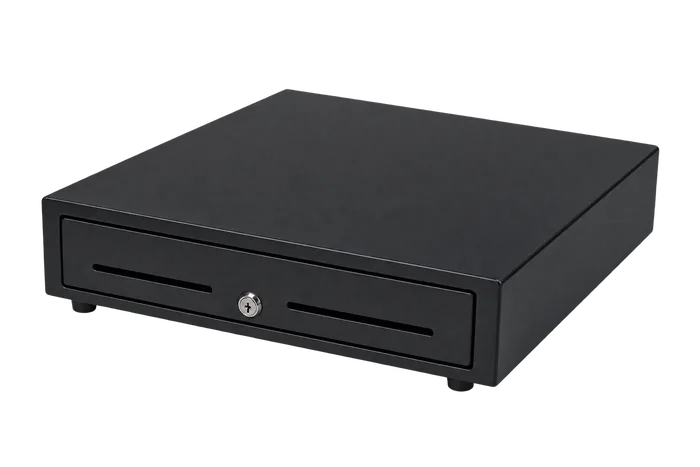
A clean, compact addition to your checkout counter for everyday cash handling.
Complete your counter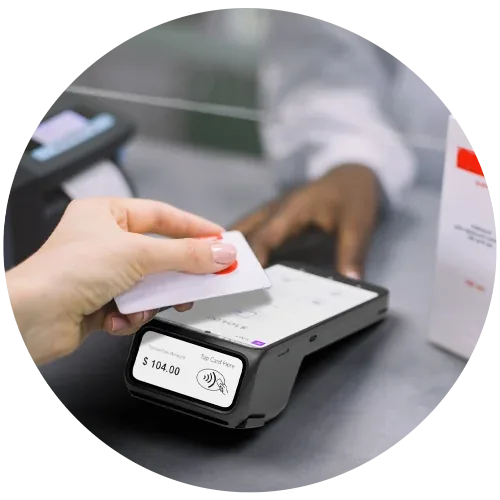
A dual-screen credit card terminal with a built-in receipt printer for countertop or mobile payments.
View Dejavoo P8 details (opens in a new tab)Product details & imagery: Dejavoo
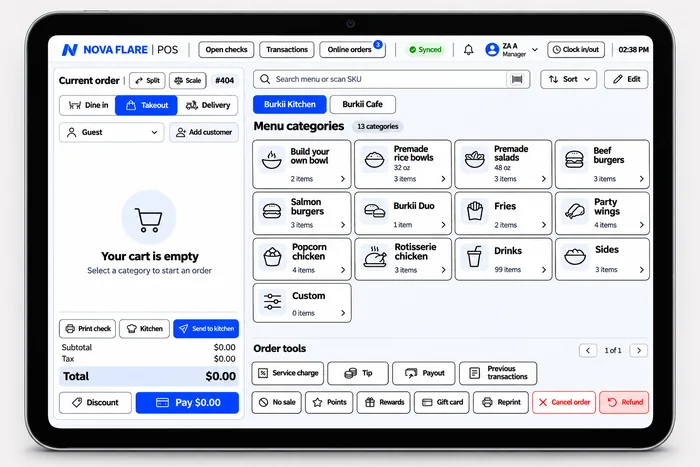
Bring the Nova Flare ordering experience to a portable tablet, with menu browsing and current-order tools in one screen.
Explore tablet POS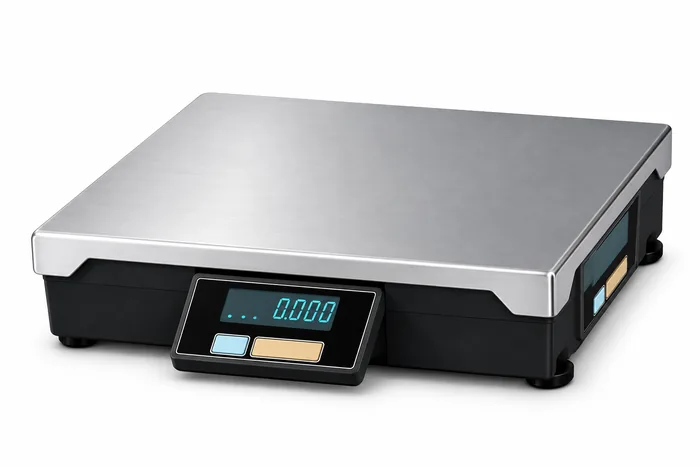
Weigh produce and other items sold by weight. The PD-II series offers a POS interface and weighing in pounds or ounces.
Find the right scale setup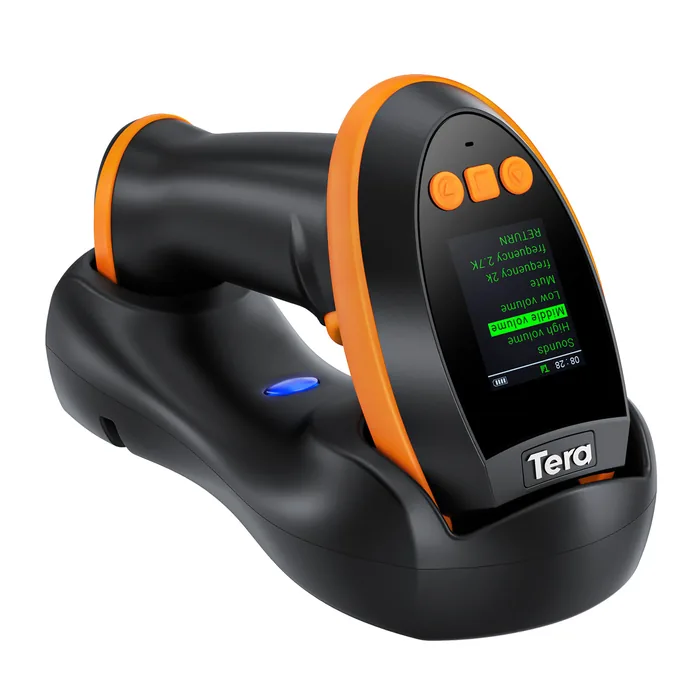
A handheld barcode reader with a display, setting keypad, and charging cradle. Scan 1D, 2D, and QR codes with flexible wired or wireless connections.
View scanner details (opens in a new tab)Product imagery: Tera
See hardware pricing for current bundles and accessories.
Built around your service
Take orders at the counter, at the table, or through a self-service kiosk.
Bring ordering and your POS workflow together.
See tickets, modifiers, and order status on the kitchen display.
Mark orders ready so your team can focus on the guest.
Your next chapter starts here
Talk to Nova Flare about the hardware and tools for your business.